Why Ultrasound Probe Connector Wear Causes Random Recognition Failures
Probe connector wear often causes random recognition failures before total loss. Here is how to spot the pattern early.
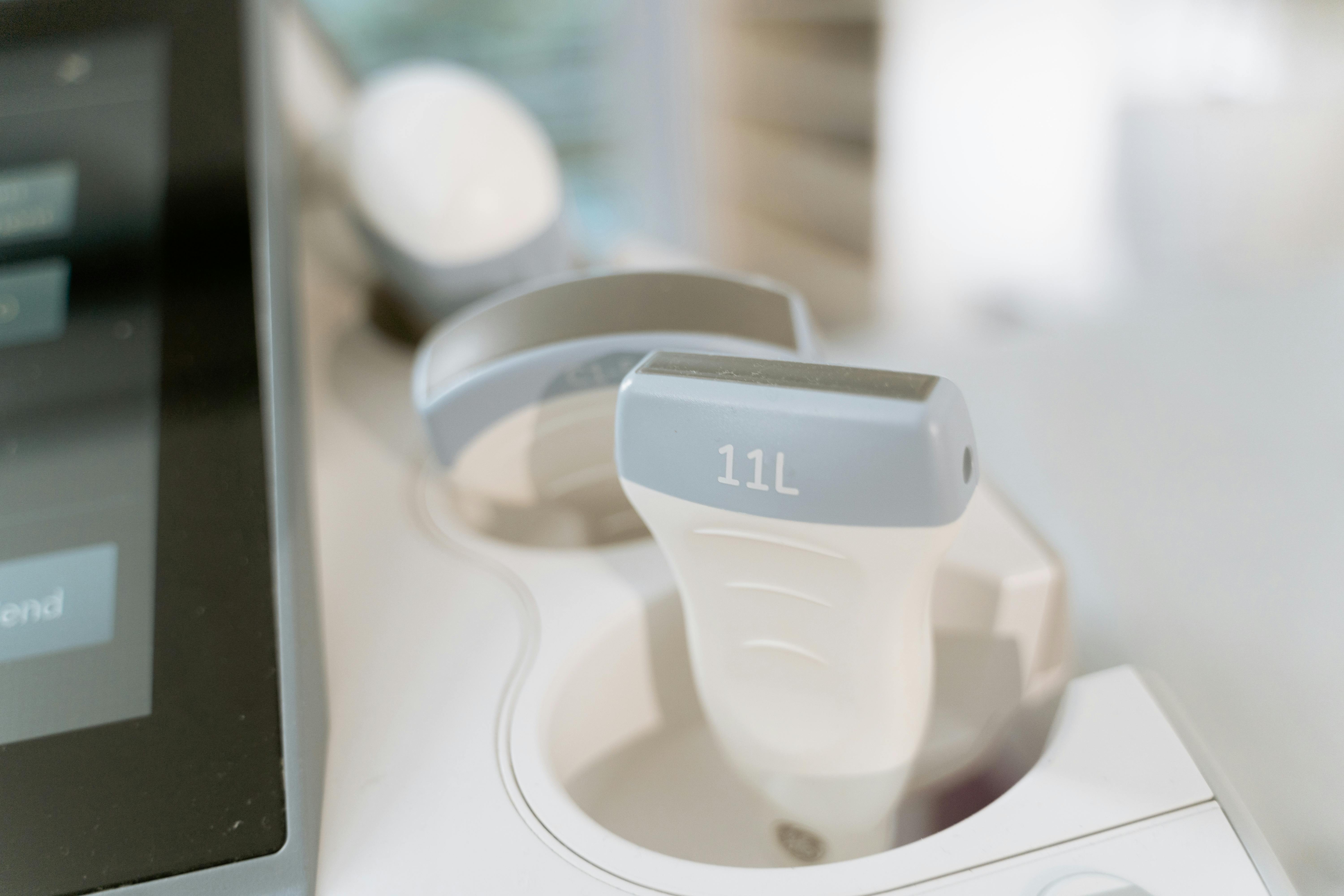
One of the most frustrating probe-side faults is a connector that still looks usable but starts causing random recognition failures. The system may identify the probe on one insertion and reject it on the next. In other cases the probe appears only after reinserting the connector, holding it at a certain angle, or restarting the machine. These symptoms often get blamed on the scanner first, but a worn connector assembly is frequently the real starting point.
The reason is simple: the connector sits at the mechanical and electrical boundary where repeated handling, pin wear, oxidation, cable strain, and shell stress all accumulate over time. A probe can still have a workable acoustic section while the connector side is already failing under normal daily use.
What this failure pattern usually looks like
Field engineers often see the same sequence. The probe is recognized intermittently, channels drop after reconnecting, or the scanner throws occasional probe communication alarms. Sometimes the image returns briefly after cleaning or reseating, which creates the false impression that the issue has been solved. In reality, the connector is already moving into unstable contact behavior.
Why the connector fails before the rest of the probe
The connector is exposed to repeated insertion cycles, cable twisting near the tail, cleaning mistakes, contamination, and contact fatigue. Even when the outer shell still looks acceptable, the internal contact pressure may already be weakening. Small alignment changes, shielding problems, or damaged strain-relief support can make the system behave unpredictably long before the entire probe is truly dead.
First checks before deeper repair
Before replacing a full probe assembly, inspect the connector pins, mating surfaces, shell stability, and the short cable zone directly behind the connector. If image behavior changes when the cable is touched near the tail, the connector-side wear zone should move to the top of the suspect list. It is also worth checking whether the system-side receptacle shows wear or contamination, because a weak machine-side interface can mimic probe failure.
Why replacement timing matters
When recognition failure starts becoming intermittent, delaying replacement usually makes troubleshooting more expensive. Engineers lose time swapping probes, reseating connectors, and chasing scan instability that traces back to the same worn contact area. Replacing the connector-related wear components early is often cheaper than waiting for a harder failure that drags the rest of the probe into the same repair chain.
Recommended replacement option: VIVID IQ PROBE CONNECTOR SVC KIT by GE Healthcare
Recommended replacement paths
- PROBE CONNECTOR ASSEMBLY 5661387-3S by GE Healthcare
- LOGIQ E R6 PROBE CONNECTOR ASSEMBLY by GE Healthcare
The important thing is not only replacing a bad-looking connector. It is restoring stable identification and signal continuity before repeated reconnect attempts waste more diagnostic time or push the probe further down the failure path.